CompuScholar Tech Essentials Timberdoodle Review

I’m old enough to remember when my teachers told us we wouldn’t always have a calculator in our pockets, and we were excited to spend an hour a week in a computer lab playing Oregon Trail and Reader Rabbit. In today’s world, not only do I carry a calculator in my pocket, but also a computer (my phone) that can perform tasks a computer lab computer could not.

My children are growing up in a world where computers are everywhere, and they have been using different forms of computers from a young age. However, as comfortable as they are with computers in their lives, they still need to be taught the skills to use them effectively.
CompuScholar Tech Essentials from Timberdoodle can help students understand how to use computers for a variety of school and personal tasks, from the basics of files and spreadsheets to basic programming.

CompuScholar Tech Essentials is a semester-long course, but students have access to it for a year and can complete it at their own pace.

What is Included in CompuScholar Tech Essentials?

Thirteen regular chapters with three supplemental chapters covering

  • File Management
  • Spreadsheets
  • Word Processing
  • Multimedia
  • Online Research
  • Presentations
  • Group Presentation Project
  • Coding Concepts
  • Program Flow
  • Algorithms
  • Software Projects (coding and designing your own program)
  • Digital Citizenship
  • Digital Safety
  • Operating Systems
  • Math Connections
  • Databases

How Does CompuScholar Tech Essentials Work?

Each chapter includes several lessons, each with a video, text, and a computer-graded quiz. In addition, each chapter includes several activities to give students a real-world, hands-on application of the skills. Finally, there is an exam at the end of each chapter.  The videos are all very short, in the three to five-minute range, so that lessons do not take long to complete each day.
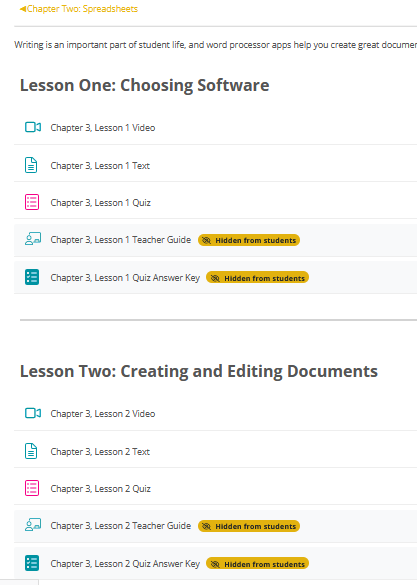
Students work through each chapter, and the computer grades most of the assignments. The teacher can log in through the teacher portal, review grades and assignments, and make any adjustments. Once a student submits an assignment, they cannot change it unless the teacher reopens it. However, they may retake quizzes as needed.

CompuScholar Parent Portal

The parent account for CompuScholar contains a great deal of helpful information. There are answer keys, the ability to change grades, hints for activities, a teacher guide with discussion questions, a syllabus, and an optional course schedule. Parents can go in and change grades or reset activities. They can view students’ progress and the gradebook through the parent portal.

Our Experience with CompuScholar Tech Essentials

My son has been slowly working his way through CompuScholar Tech Essentials. Since we were adding it to an already full course load, we decided to have him complete it on a year-long schedule. Our fall schedule includes some light weeks and several hectic ones due to his 4-H participation and competitions. The flexibility of this course worked really well for us because during his lighter weeks, he could work through several lessons, and it was no problem if he skipped them altogether during his busy weeks.
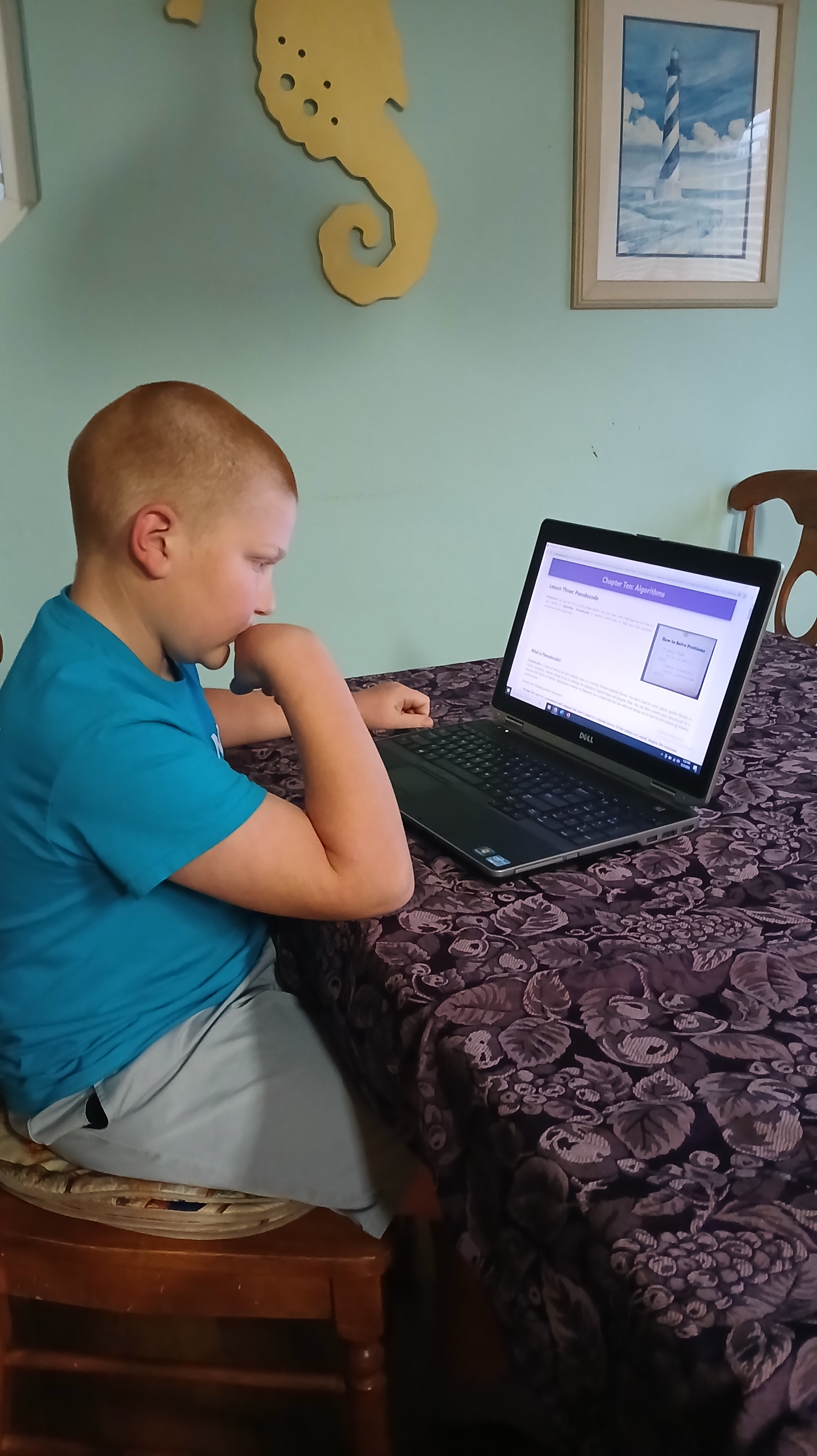
Overall, he is enjoying the course and feels more confident using his laptop and completing other school assignments on it. He did struggle with a couple of sections, but since I could go in and look at his grade and reset things, we were able to work through his confusion and allow him to continue working through it independently.

As a parent, I love that I can adjust grades as I see fit, work it into our schedule, and reset assignments. However, I also love that it is primarily self-grading and independent, so it does not take a lot of my attention for him to work through it.

Conclusions

Overall, CompuScholar’s Tech Essentials course is easy to use and covers a wide range of essential computer skills that help students use computers safely and efficiently for schoolwork, future jobs, and personal use. I highly recommend it for middle and possibly even high school students, particularly those who have used computers for entertainment but have not yet learned all of the skills needed for more “professional use”. You can find out more and purchase this course (and other CompuScholar courses) from Timberdoodle. It is also included in their 6th-grade curriculum kit.


Simply Draw with Bob Parsons

Simply Draw is an easy-to-use art curriculum from Timberdoodle that teaches students how to draw through simple, easy-to-understand lessons with clear illustrations and supporting video materials.

What is Simply Draw with Bob Parsons?

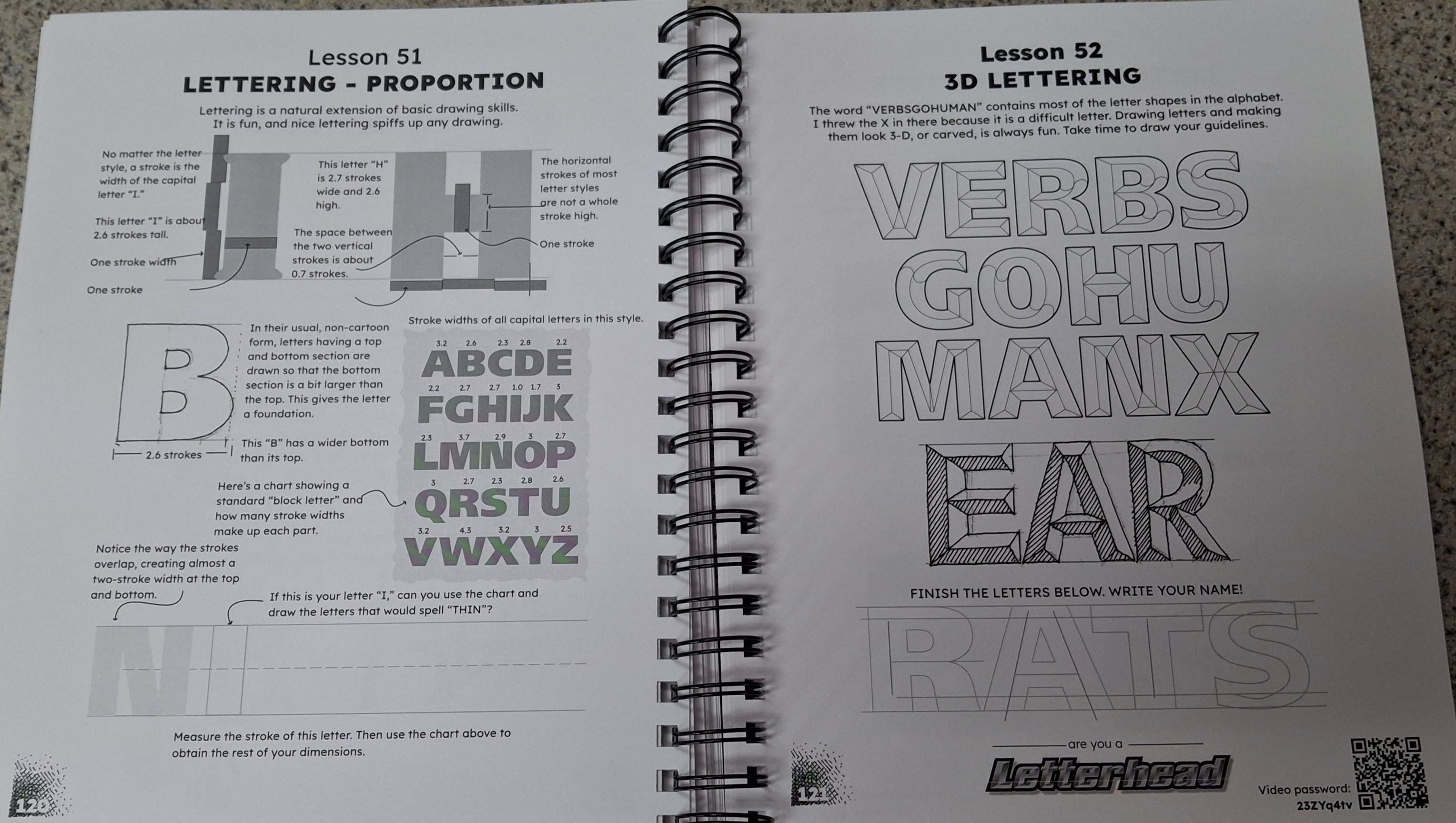
The 178-page book includes 77 lessons; approximately 20 of those lessons have accompanying videos. In addition, there are three extra video lessons to complete at the end of the curriculum.

In addition to the curriculum, students will need a few materials. They can get started with a couple of pens, pencils, and a good eraser. However, the curriculum also recommends some cardstock and cool grey markers. A good list of recommended pens and pencils is included in the first lesson.

What Lessons Are Included?

The lessons are short and take my son around fifteen minutes to read and complete. They start with the basics of drawing, including grip, posture, and drawing lines. The lessons become gradually more complex, so they are not overwhelming for the student.

Topics Covered:

  • Getting Started
  • Short Parallel Lines
  • Seeing Angles
  • Basic Shapes
  • Basic Drawing
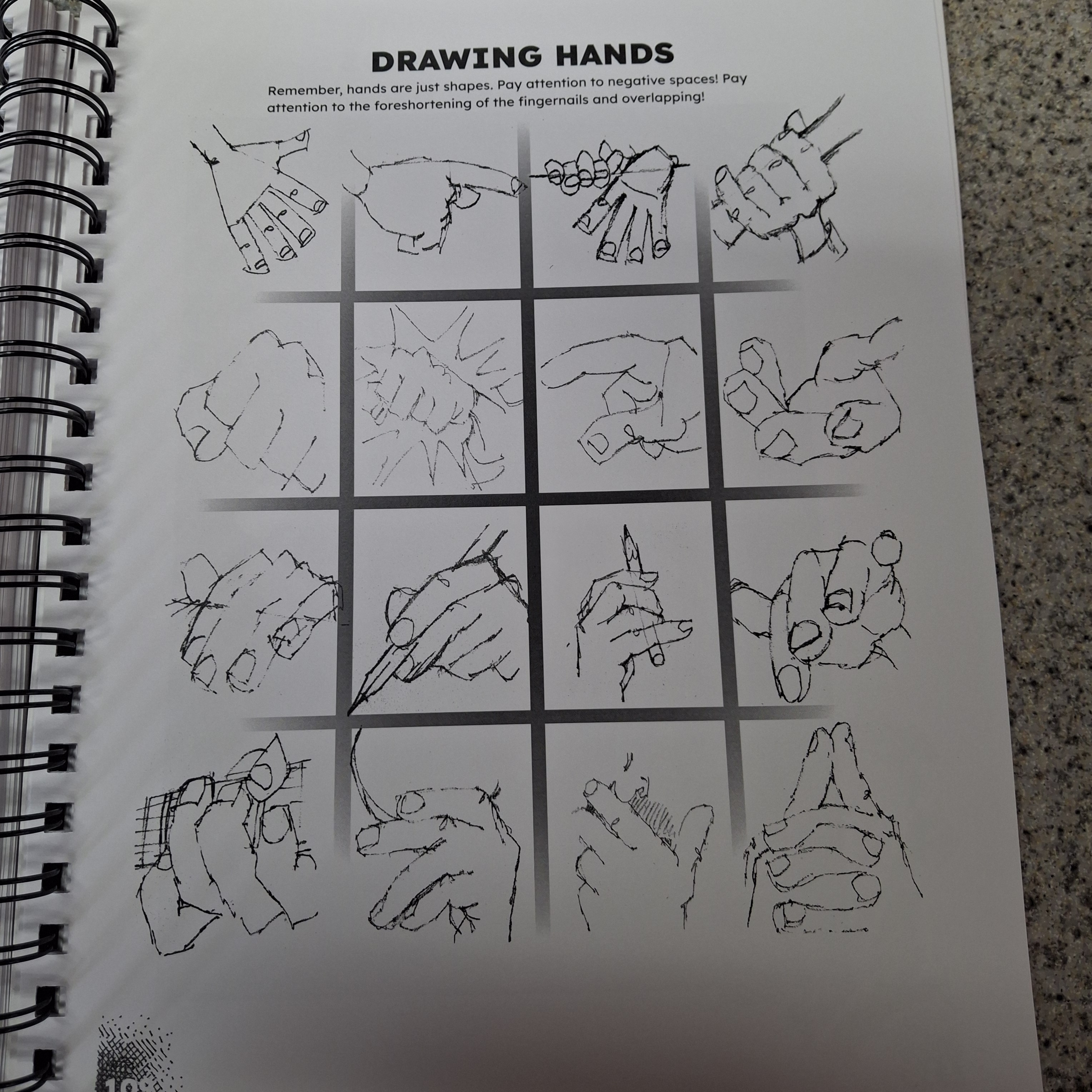
  • Hands
  • Lettering
  • Stick Figures and Action
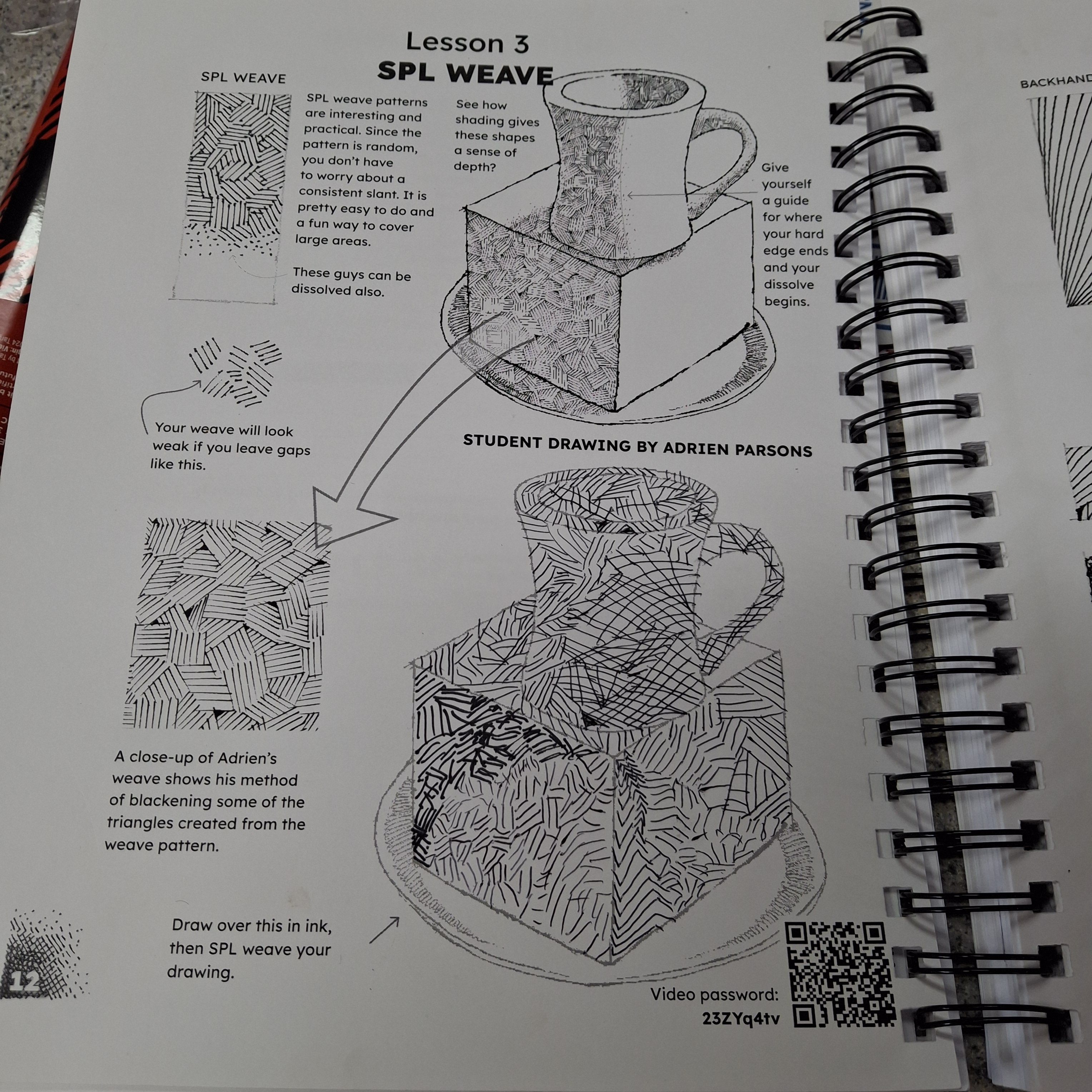
  • Textures and Patterns
  • Additional Lessons

Each lesson includes instruction given in short, simple statements with example pictures. The student has the opportunity to work through each step in the space provided, right there in the spiral-bound book, where they can still see the examples. The first few were basic lines, but then it moved on to having them use different techniques to shade pictures, including an apple, a rose, and Chuck Norris’s face. My son is a Chuck Norris fan, so this lesson was a big hit!

What We Loved About Simply Draw

Unlike some books that only teach students how to draw specific things, students can easily transfer the skills and techniques learned in this book to other drawings. Once students understand lines, angles, and basic shapes, they can begin putting those skills together to create different drawings.

I have noticed over the years that art, as with many other subjects, comes more easily to some students than others. Sometimes programs move too fast, and students get behind and feel like they cannot keep up. However, with Simply Draw, students can work through the book at their own pace. This program is easy to implement for both parent and student.

In addition to the instructions, there are many funny, comic-style drawings and silly sayings in the book that make it fun to work through and add an extra layer of enjoyment. For example, in the lesson with the cube, a man is “trapped” under it. He says, “When they said this job would be “smashing,” I thought they were British.

A Student Opinion

My eleven-year-old son loves art and has been doing a variety of painting and other art lessons for several years. However, he has really wanted to learn more about drawing and sketching. He loved taking this course and is excited to continue improving his drawing skills as he progresses through the rest of the course.

He said he enjoyed the program because it was easy to understand and that he felt it was improving his drawing skills.

Conclusions

Overall, Simply Draw is an easy-to-use program that only requires a few materials. It works well for students from elementary school through adulthood (it is best if they can read or have someone available to read to them).  I’d highly recommend this program for students who want to learn to draw and sketch. Go to Timberdoodle to find out more and purchase your copy of Simply Draw with Bob Parsons.

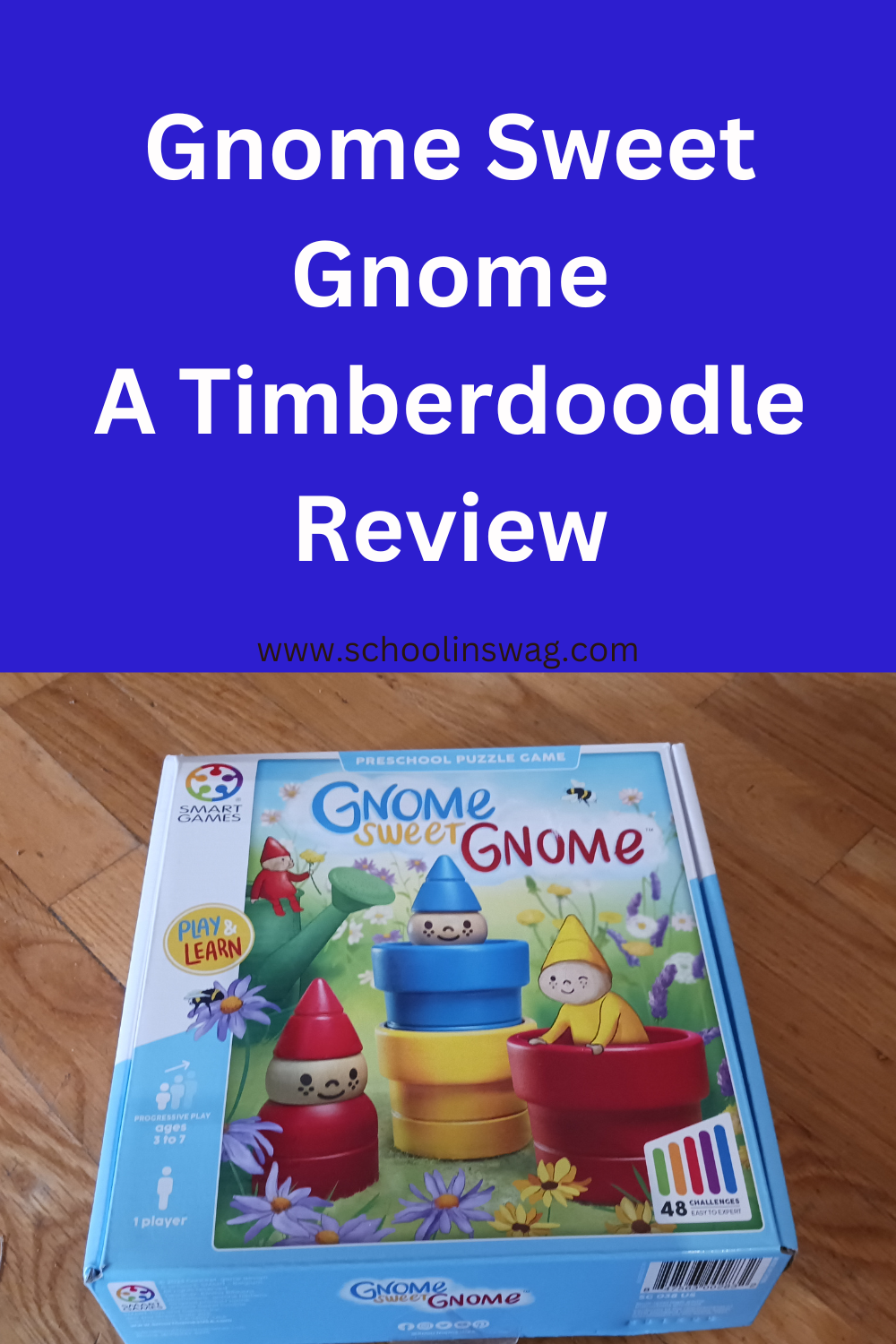
Gnome Sweet Gnome a Timberdoodle Review

Children learn so much through play, and I love it when I find tools that can help guide that learning while still being fun and enjoyable for the child. I recently had the opportunity to review the game Gnome Sweet Gnome from Timberdoodle.

Gnome Sweet Gnome is a game that children can play independently. It has several different skill levels, making it great for developing skills. It works on fine motor skills, critical thinking, comparing sizes, and color recognition and is great for preschool through kindergarten or first grade.

What is Gnome Sweet Gnome?

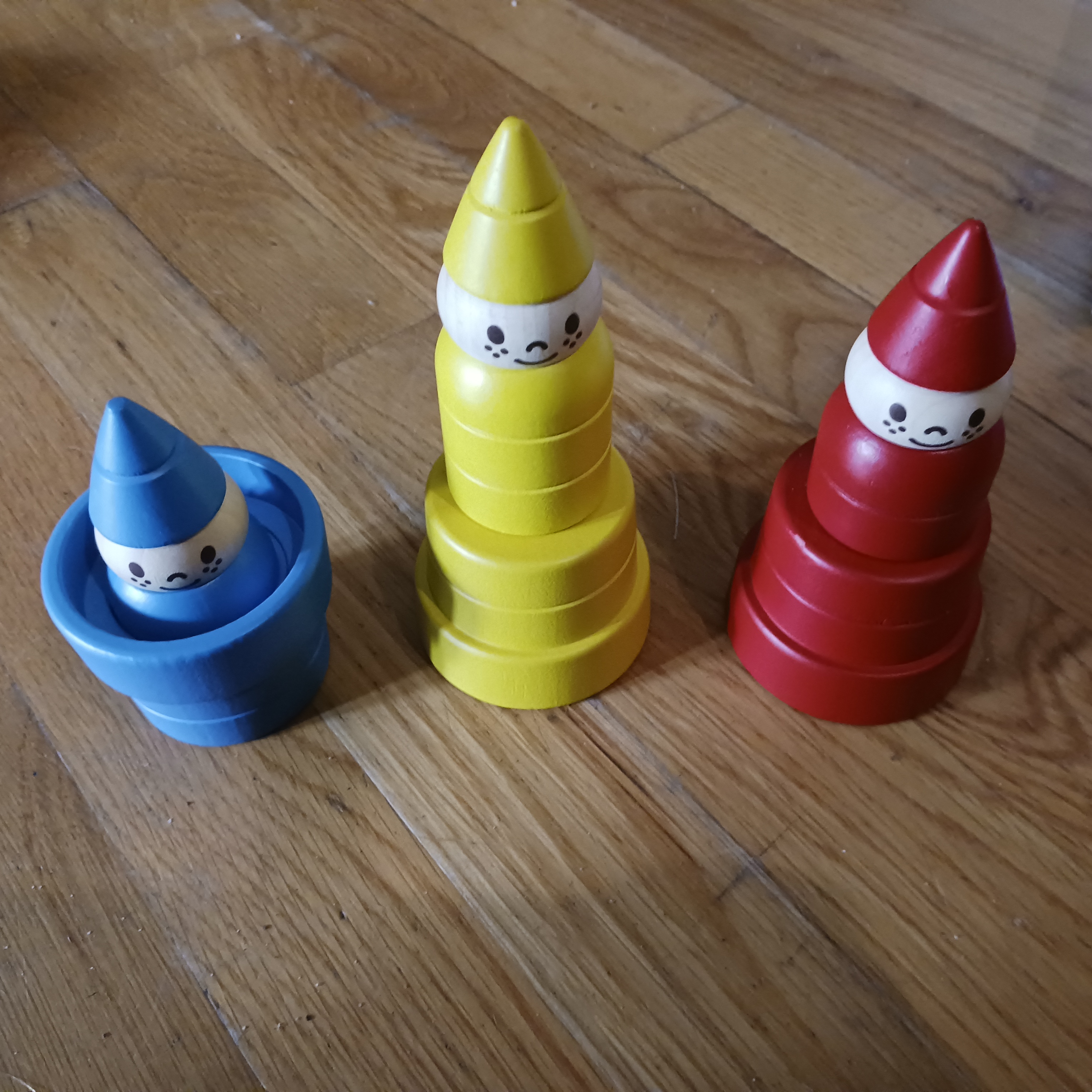
The game includes three different gnomes, each gnome is a different size and color. The Gnomes each come with a matching flower pot, each with a different depth. The different sizes and depths mean that when stacked in different combinations, you can see different amounts of the gnome. For example, if you put the smallest gnome in the deepest flower pot, you can only see the top of his hat.

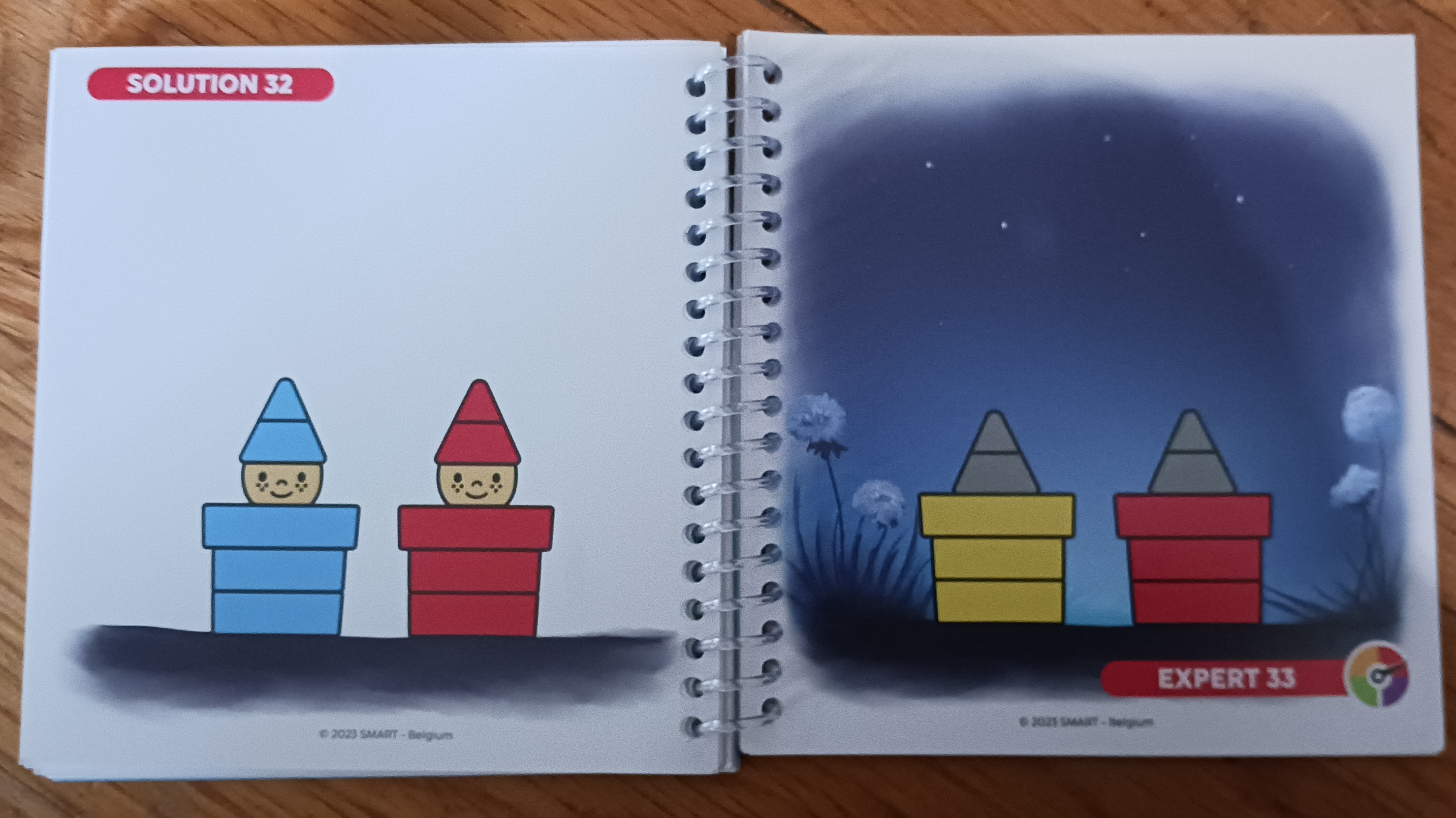
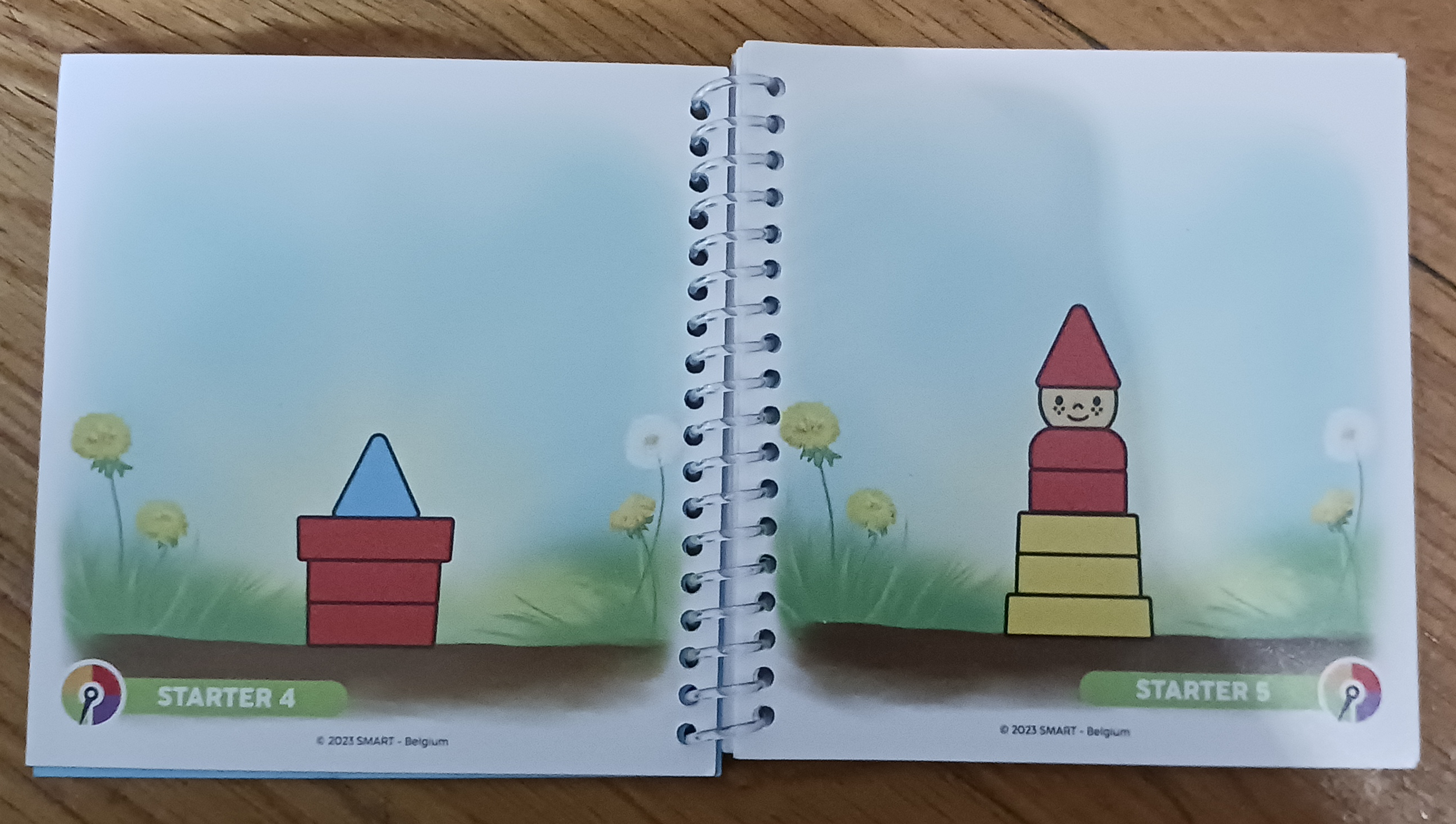
There are forty-eight challenges included with the game (each challenge is a different picture that the child needs to recreate). The challenges vary from easy to expert levels. I loved that the challenges were all enclosed in a spiral-bound book. That means no loose cards that are easy to misplace.

How Do We Play Gnome Sweet Gnome?

The beginning challenges use only a few pieces, and the challenge card shows the color for all of the pieces used. Then, they get a little more challenging by using more pieces but still showing all of the colors. On the final levels of difficulty, some or all of the colors are grayed. Other than the easiest level, all the challenges have a solution picture on the back of the page so the child can check their work.

This game can be completed independently, or a parent could work with the child to check their work and help them problem-solve. Depending on their attention span and ability level, children can work through anywhere from one challenge to the whole book. Younger children can start with the easier levels, and as they get more practice and confidence, they can move up to the more challenging options.

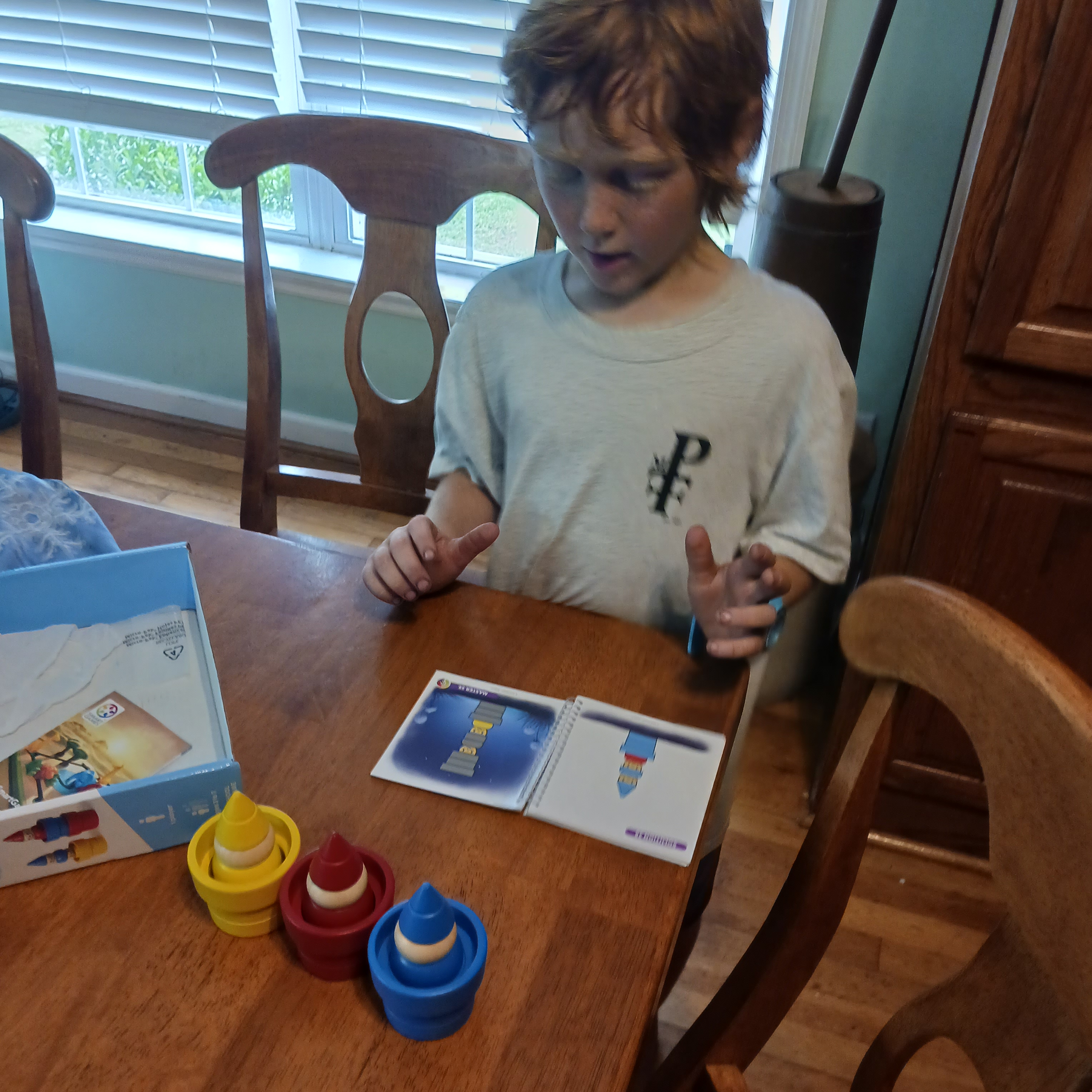
Overall, we really enjoyed this game. My six-year-old wanted to check it out and went through all the levels in one sitting. Even though he had completed them all, he still wanted to play again on other occasions, so it was not a one-and-done activity.

He loves playing Gnome Sweet Gnome!

This is also a great game to prepare students for the more challenging IQ Gears that we reviewed a few weeks ago for Timberdoodle. They work on similar skills at different levels.

Where Do I Find Gnome Sweet Gnome?

I highly recommend this game if you have a young child and want to work on fine motor skills (stacking), colors, or problem-solving. You can find out more and purchase Gnome Sweet Gnome at Timberdoodle. It is also included in their preschool kit.