Fischertechnik Junior Max: A Timberdoodle Review

We love building toys of any kind in our house; my boys will build with wooden planks, Legos, magnetic tiles, and more. However, Fischertechnik Junior Max from Timberdoodle is more than a building toy; it is a chance to learn basic engineering concepts through play.

What is Fischertechnik Junior Max?

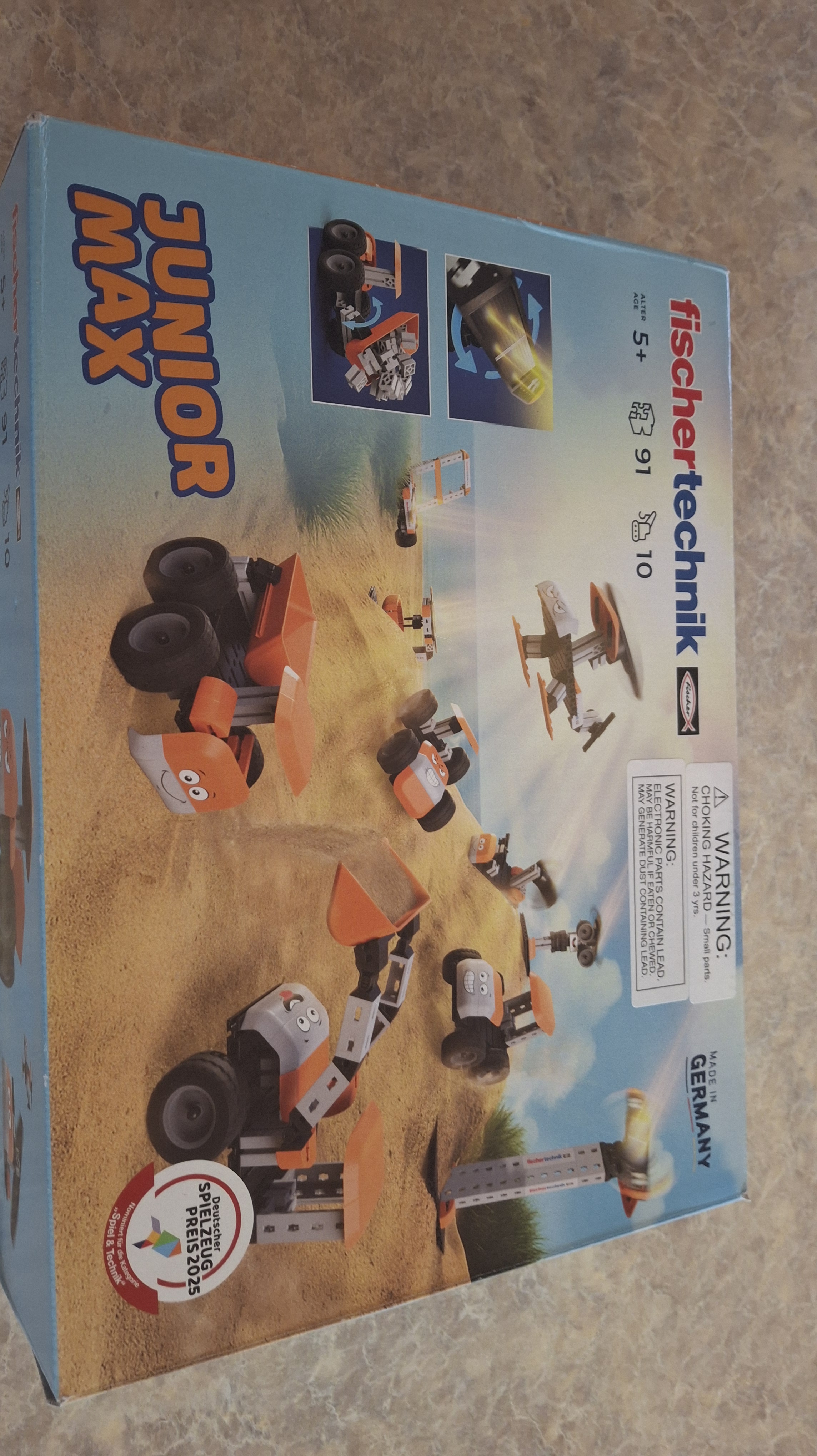
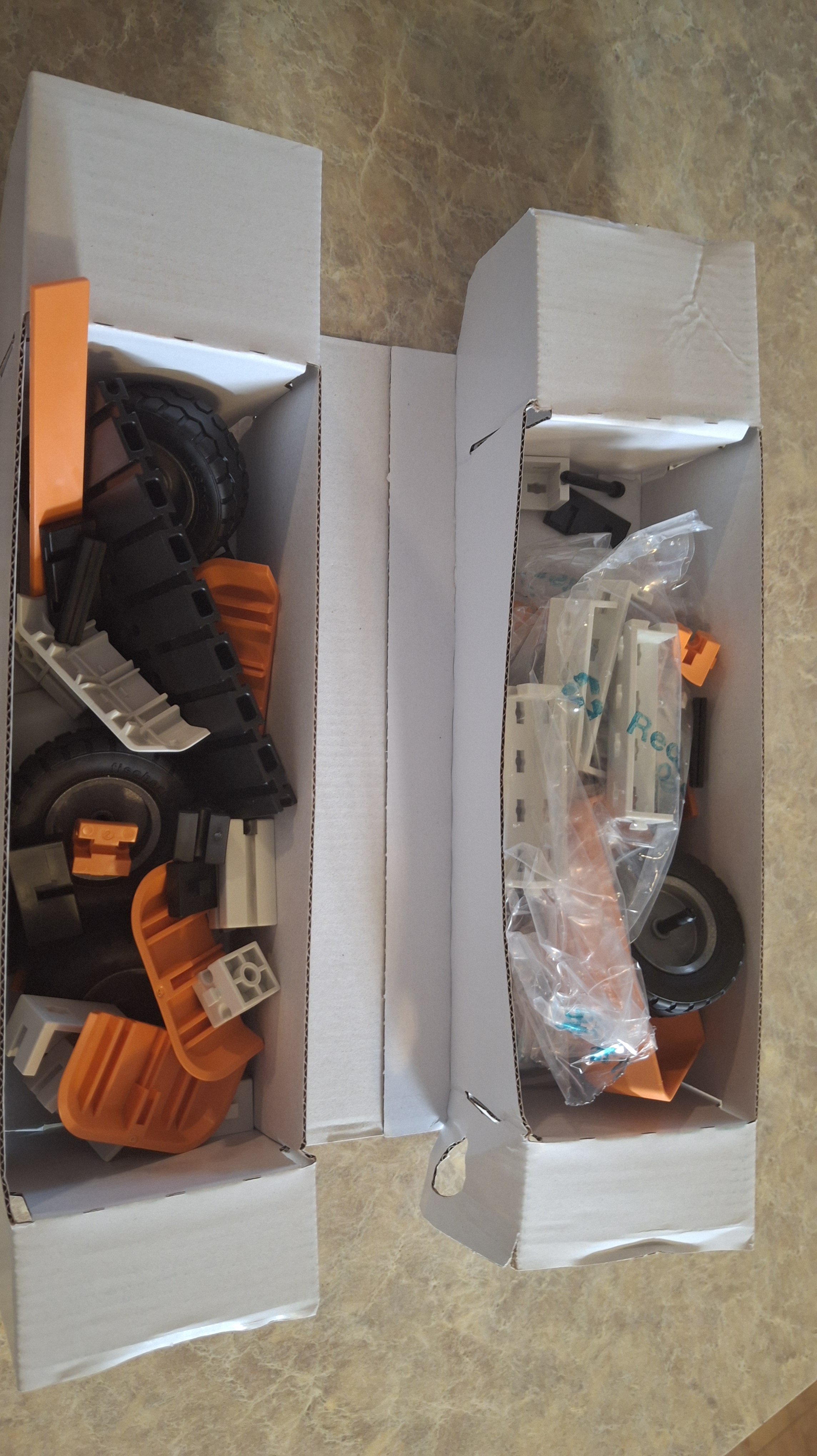
This fun, hands-on building kit lets children use the same components to build multiple projects. More than just blocks that click together, these pieces slide in and connect in different ways and include wheels that turn, etc.

The kit includes about 90 components that can be put together in a variety of ways. Students can use the included manual to make 8 different models.
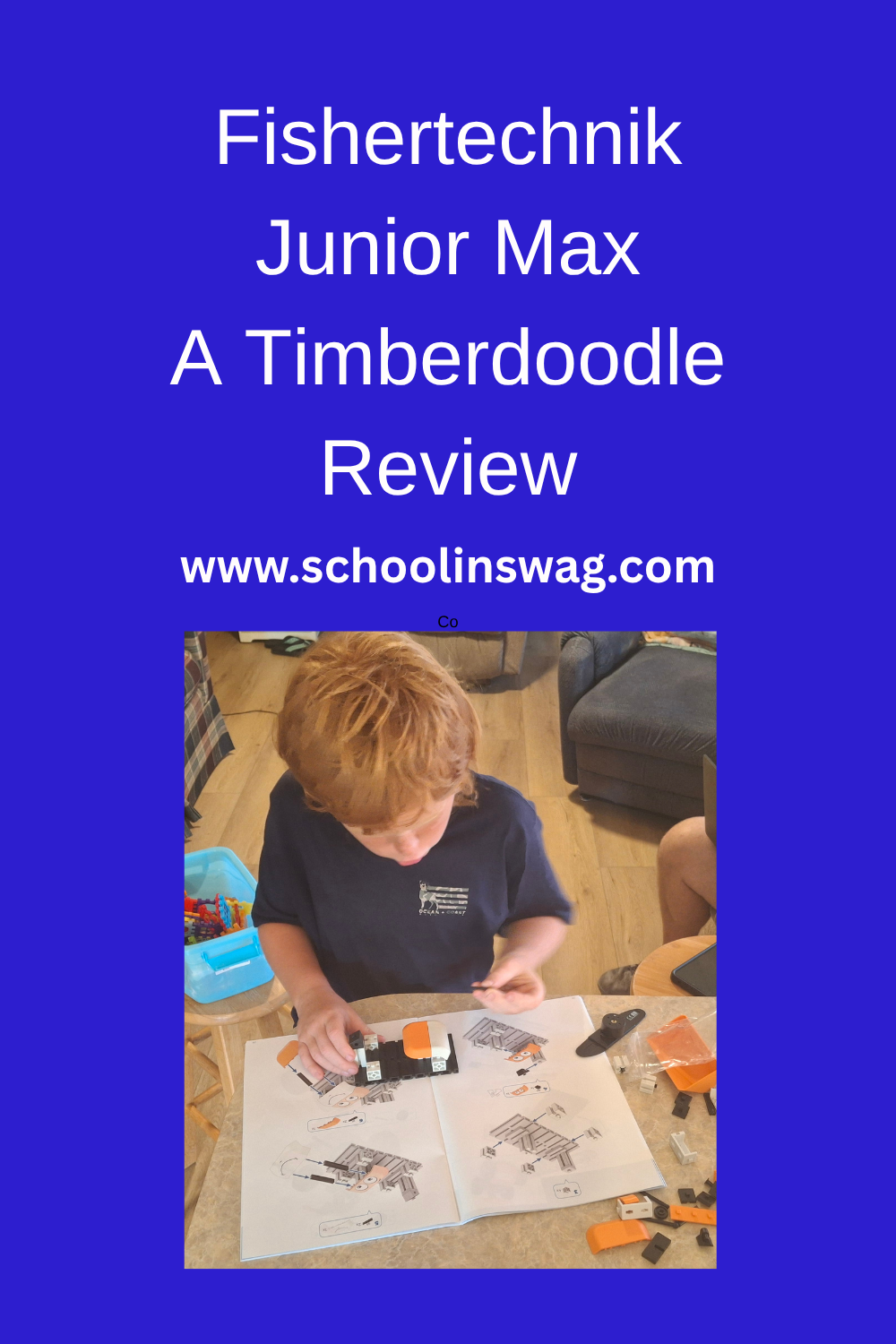
How Do You Use Fischertechnik Junior Max?

Students begin by following the step-by-step instructions to build whichever model they choose. They can build the models in any order that they choose. Once they have tried some or all of those, students can use their imagination and come up with their own projects to build.

The pieces slide into place and stay securely. The wheels move and move the components, just like in real simple machines.
Our Experience with Fischertechnik Junior Max

My eight-year-old was excited to try these. He loves building, machines, and anything hands-on.  We looked over the instructions together, but then he completed the projects independently.
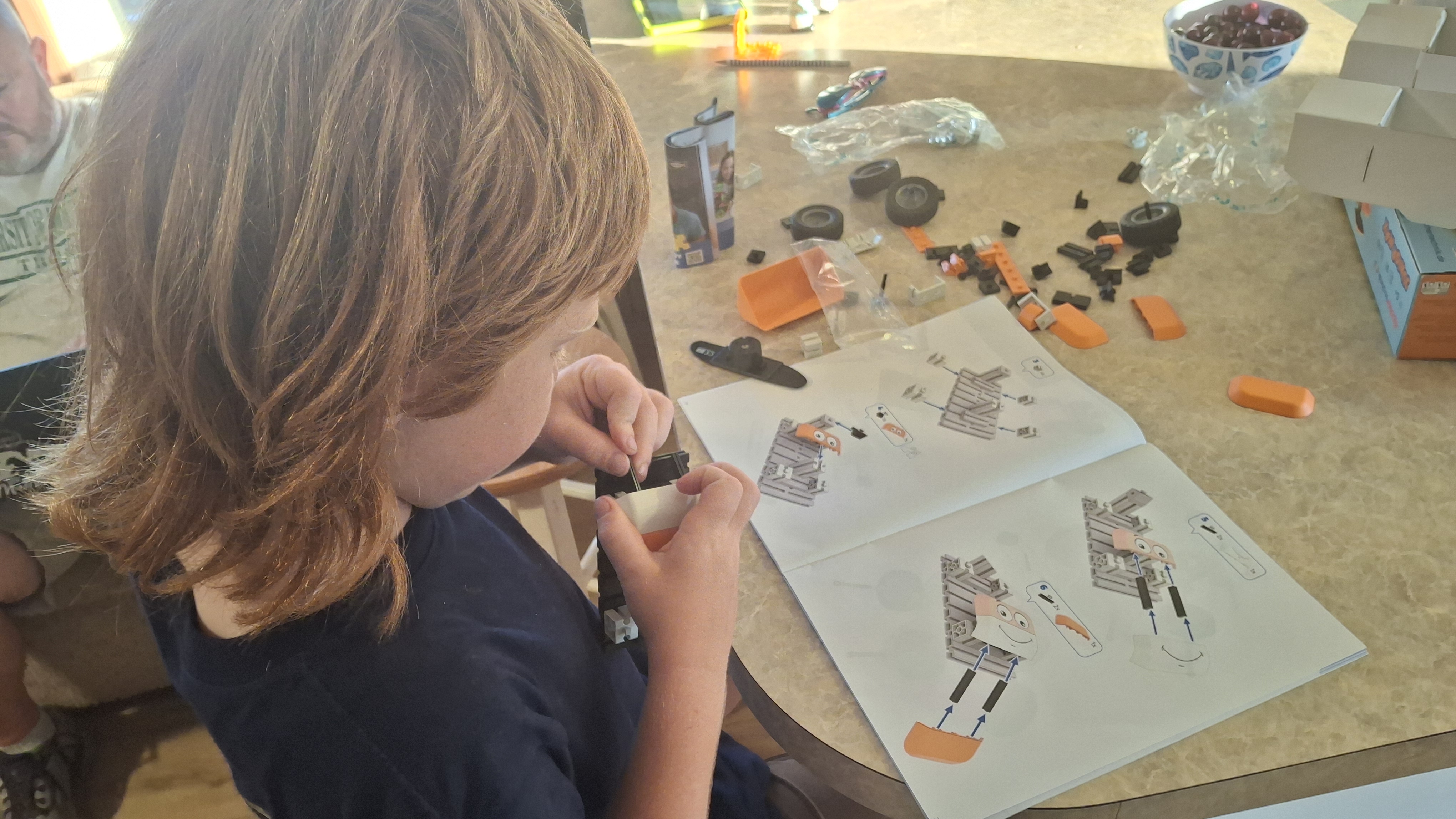
We loved that the projects could be completed in just a few minutes, and the instructions were fairly easy to follow. They use colored instructions that gray out the pieces you’ve already put together, making it easier for the student to see each new step. This also allows even non-readers to work on the projects independently.
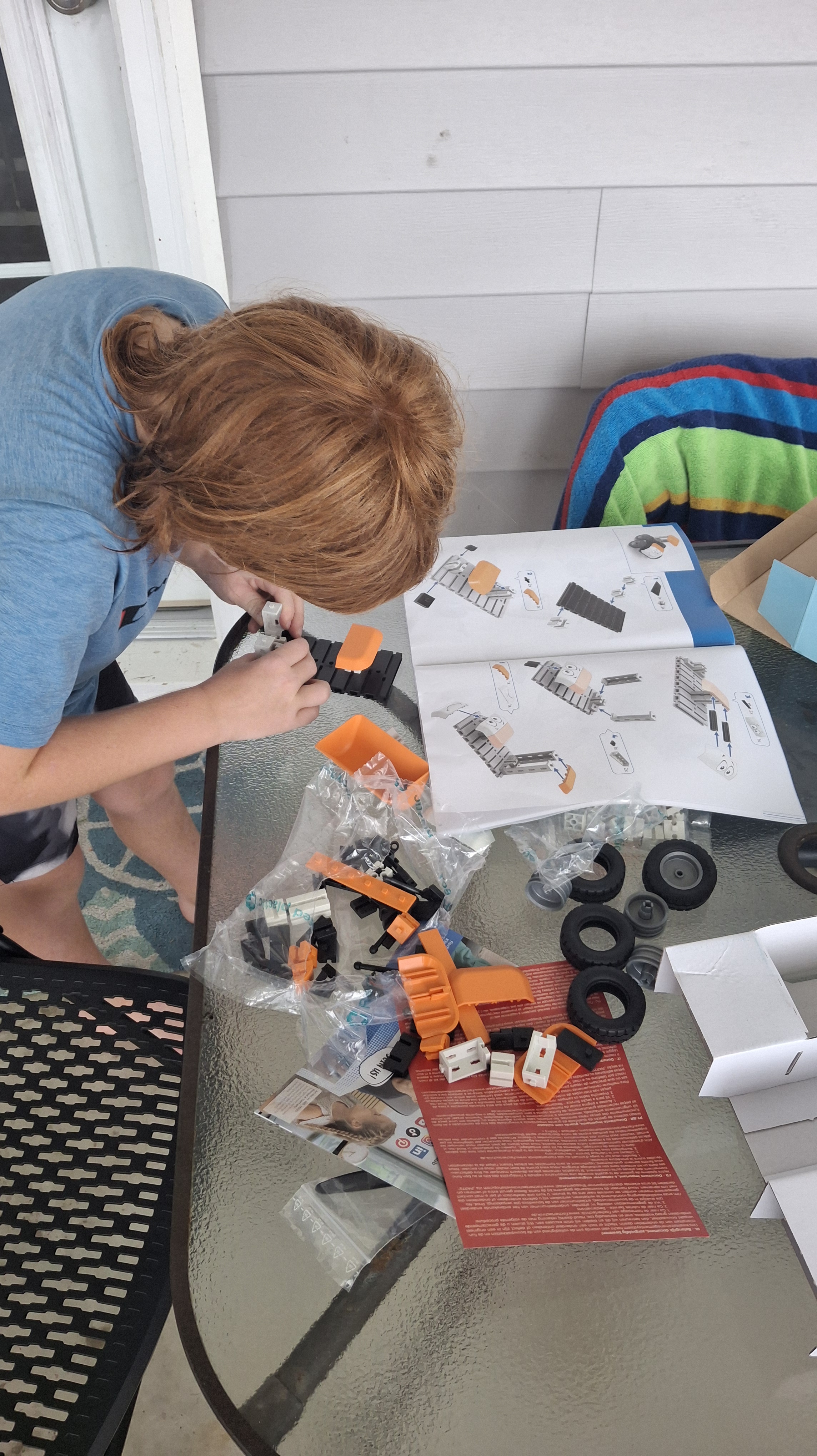
The components fit together easily and were not too challenging for young hands; the sliding mechanisms made things fit securely without a lot of pressure or strength required.

Once he had done a few projects, he was excited to play with the different components and put them together to make his own creations. My two-year-old enjoyed playing with the “machines” that his brother created, but he is too young to really build anything with the kit.

Who Would Enjoy Fischertechnik Junior Max?

I recommend this kit for children ages 5-8, or possibly as young as four with adult assistance. It is especially great for those who enjoy building things or are interested in different machines and equipment. They can build the projects and then play with the machines they have built. Unlike many other kits, the wheels actually turn and the parts move, which makes them more fun for play after the build.
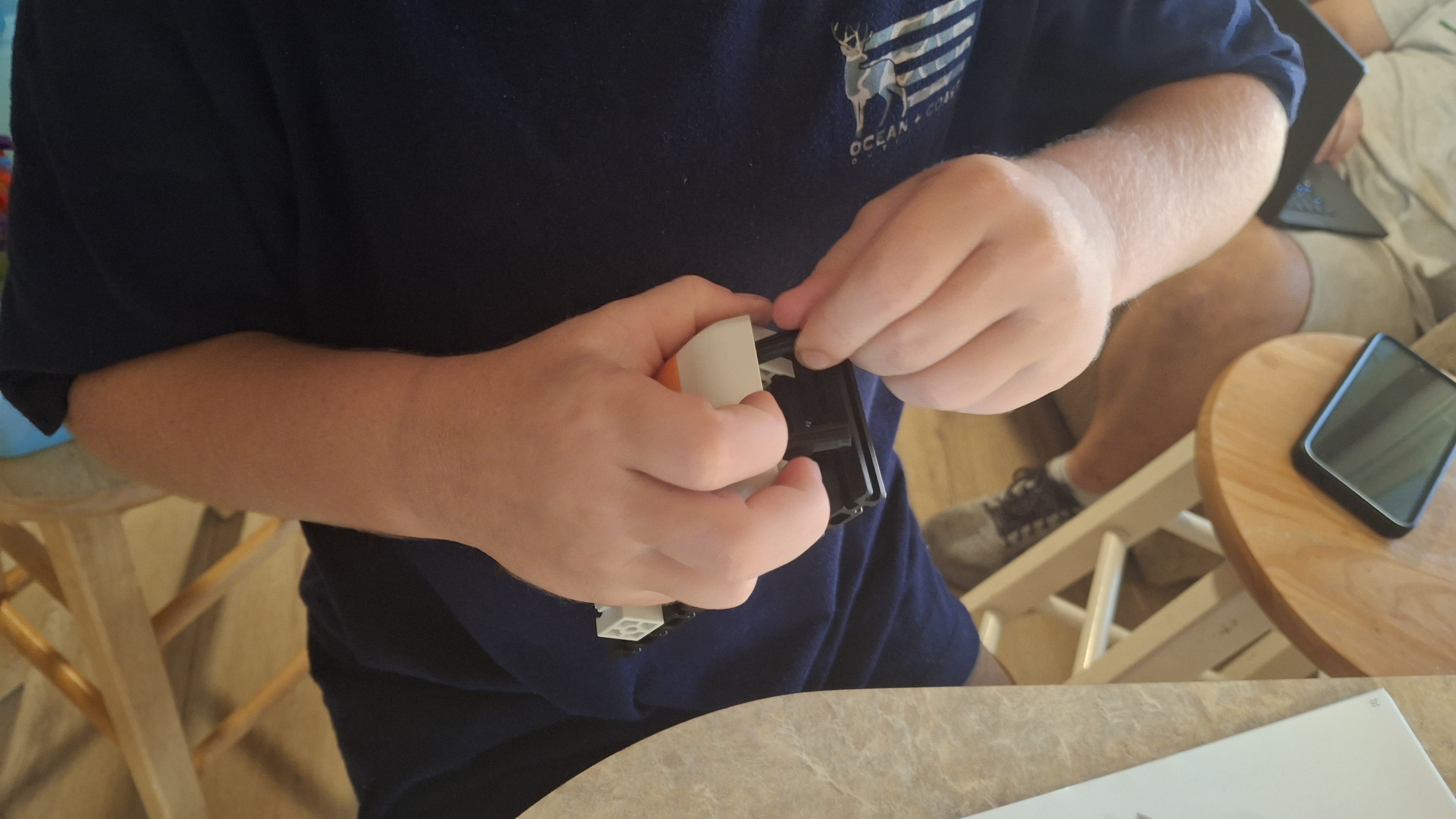
The parts were easy for small hands to work with.

Overall Thoughts

We really enjoyed this kit. The age range is fairly narrow (they do have other, more complex kits for older students), but it is a perfect introduction for younger students. It encourages creativity, imagination, and fine motor skills. You can find out more and get your set at Timberdoodle, where you can also see other Fischertechnik sets.
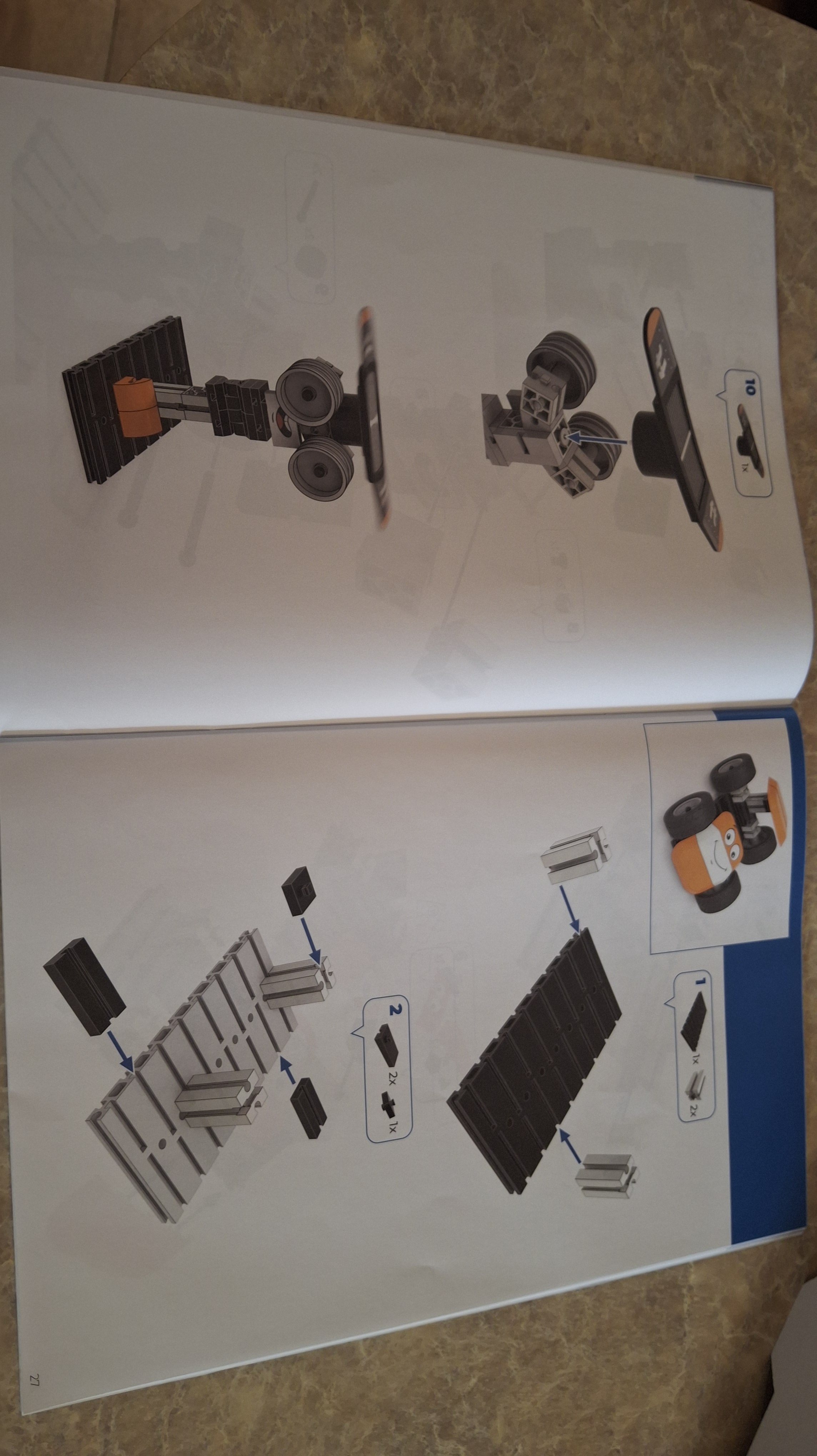
Note how the color contrast and graying help students see which steps need to be completed.

FAQs

What ages is this set for?

Recommended for ages 5+. I would recommend it for ages 5-8, possibly 4 with assistance.  

What skills does this set teach?

Problem-solving, fine motor skills, spatial awareness, and basic engineering concepts

Does the set require reading?

No, the instructions are illustration based and can be followed by non-readers.

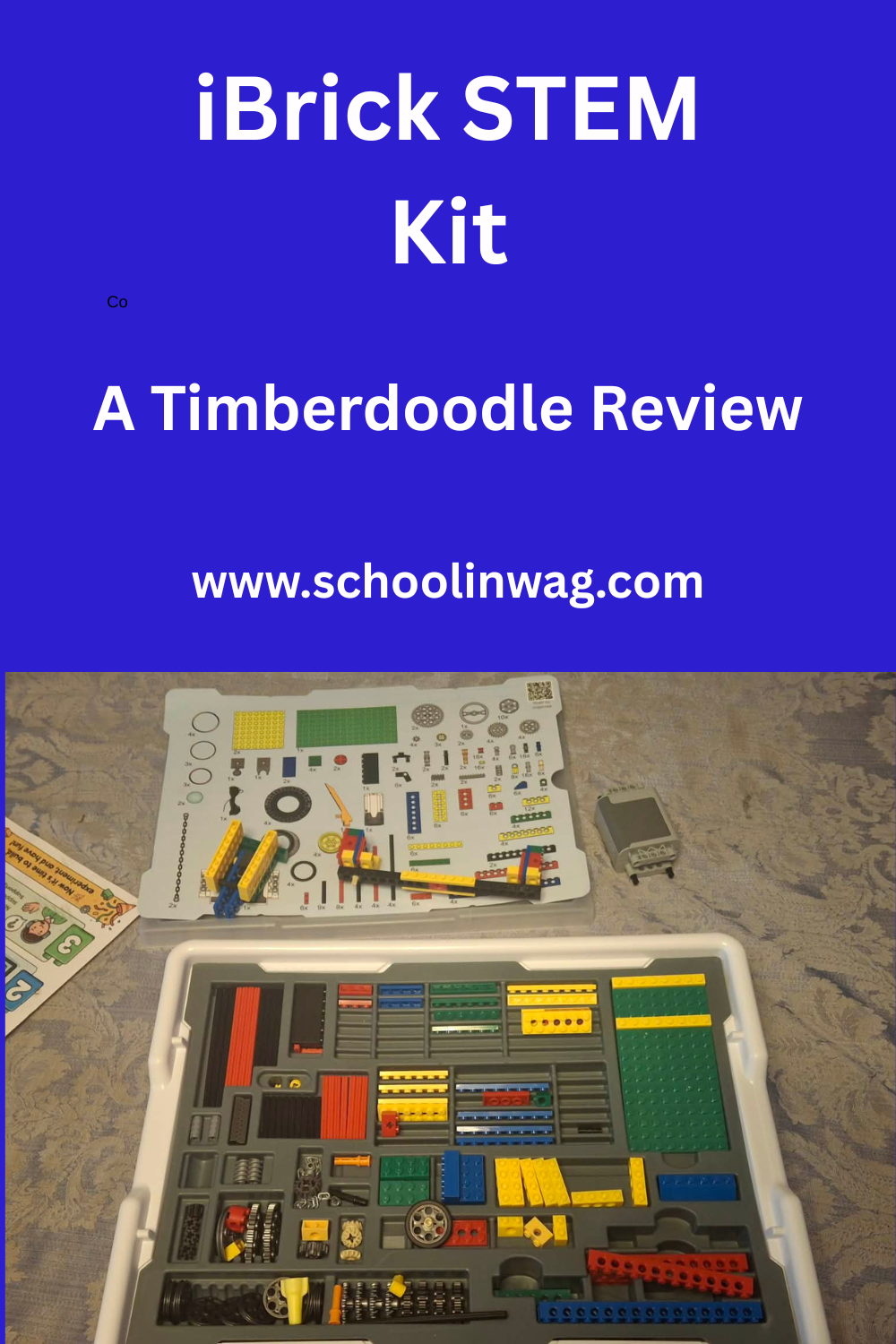
iBrick STEM Kit: A Timberdoodle Review

My son loves to build and create. He has buckets of Legos that will entertain him for hours on end.  So when I heard about iBrick’s LEGO-compatible STEM kit from Timberdoodle, I knew we needed to check it out!

What is iBrick?

The iBrick STEM kit is a set of LEGO-compatible bricks, a battery-operated motor, wheels, and other parts. It is accompanied by online lessons and instructions to create a year-long STEM adventure.

What is included in the iBrick STEM kit?

This kit includes everything you need for the builds, except a few AA batteries for the motor. All the bricks are included, and there is a nice organizing tray that makes it easy to find what you need as you build.

The kit also includes 12 months of online access to the program, with 52 different weekly lessons.

What do the weekly lessons entail?

  • Digital Booklet of Instructions (much like the physical booklets that come with many brick kits)
  • Rotatable Picture Model Instructions (Use your mouse to rotate the digital pictures to help the builder understand how things are put together.)
  • A Short Video Lesson About the STEM Project (This gives background, history, and science behind the item being built.)
  • A series of challenges to use with the build

Our Experiences: The Car Safety Challenge

To help you better understand the iBrick program, let’s walk through one of the weekly lessons: The Car Safety Challenge.

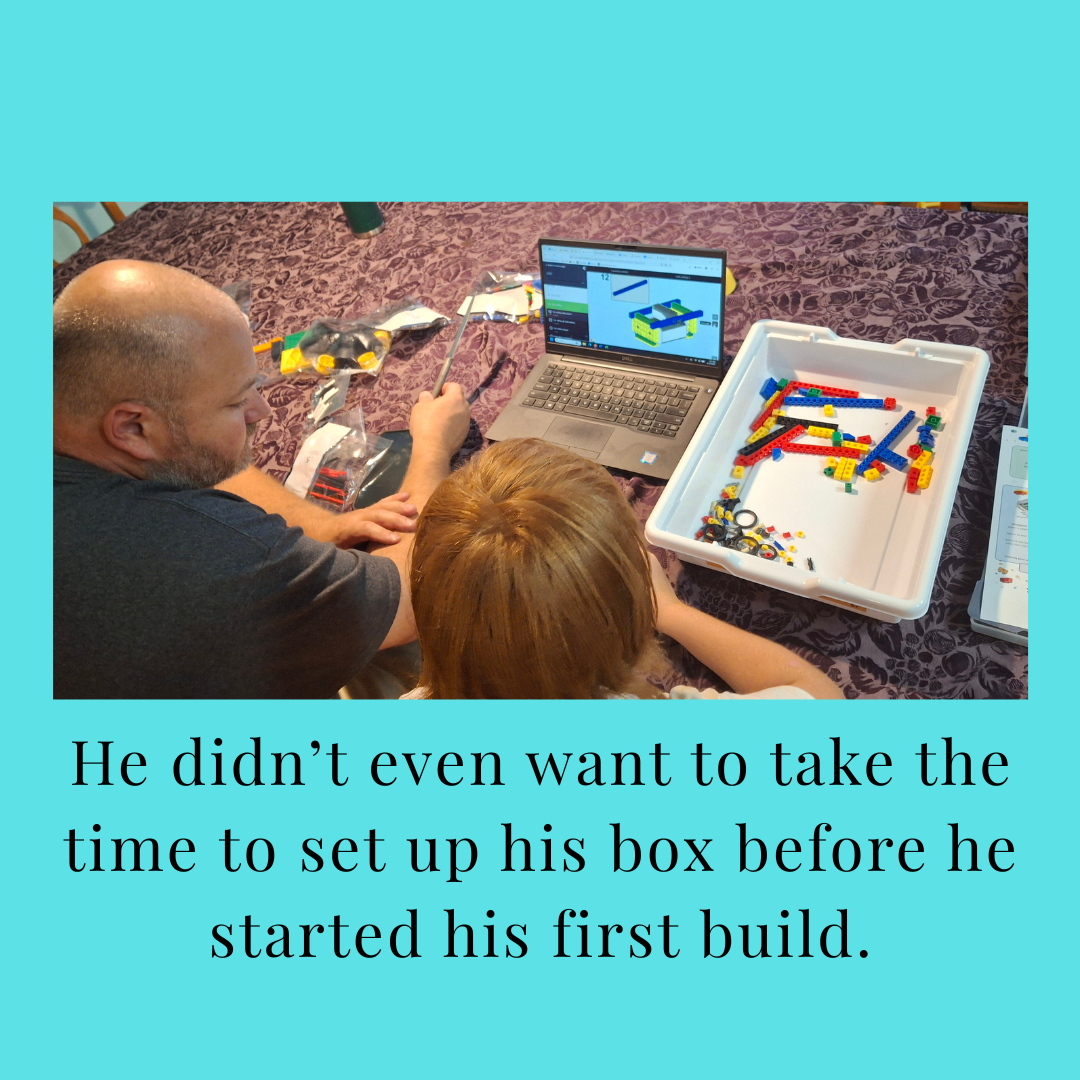
In this lesson, students first follow instructions to build a car and test it out. My eight-year-old needed a little bit of help getting the hang of following the digital directions, but once he understood how they worked, he was able to complete the project independently.

Next, they watch a short (about 4-minute) video about the history of cars and car safety, including steering wheels (who knew the first cars didn’t have those), seat belts, airbags, etc.

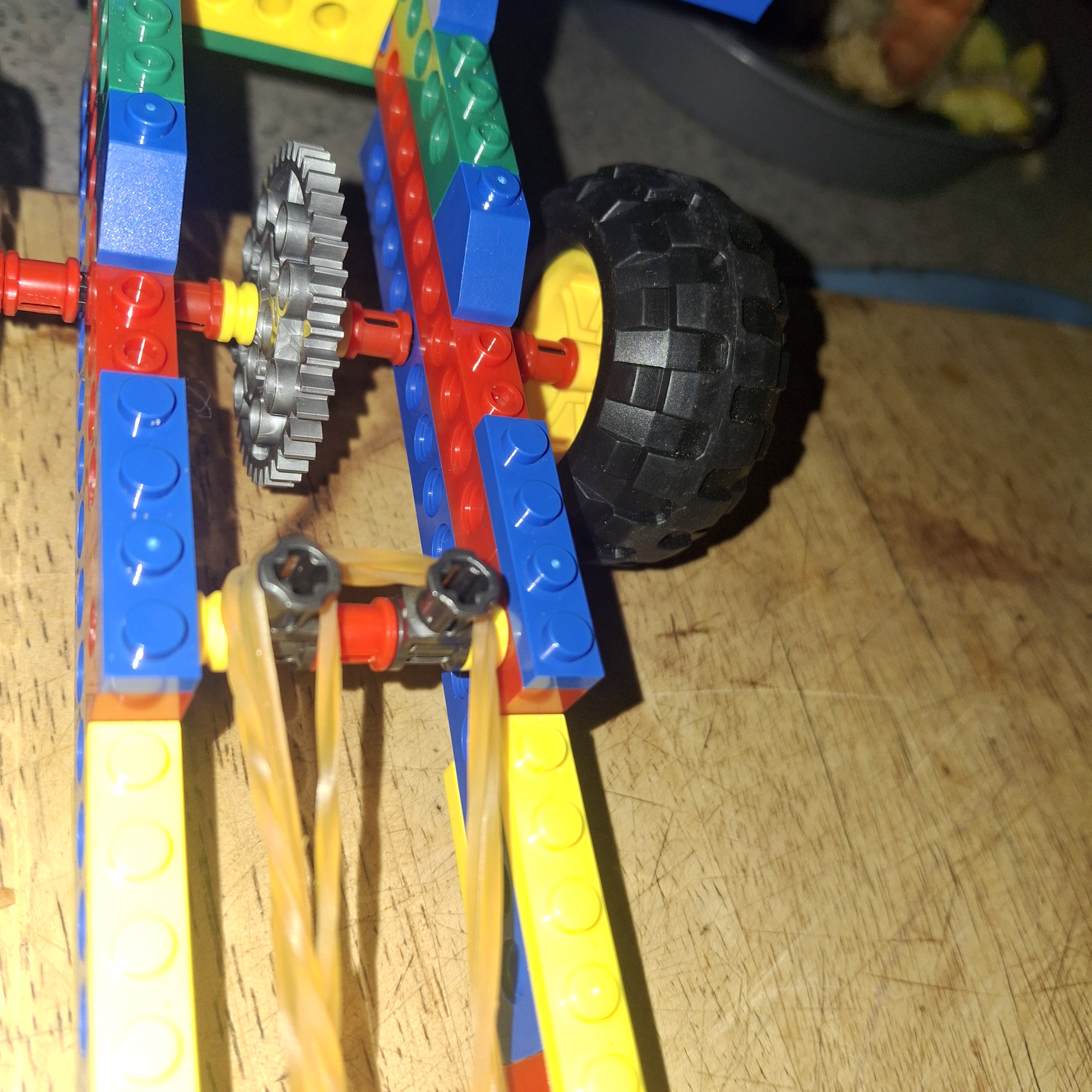
Finally, they take the car they made in the first section and work through several challenges related to making it safer. There are instructions for building a brick person to go on the car, and then they “wreck” the car and see how he fares. Next, they try adding several safety features to see if the brick person survives the crash better with the added features.

Overall, the lesson took about 90 minutes for him to complete from start to finish. This will vary for the different lessons and based on how long it takes your child to complete the builds.

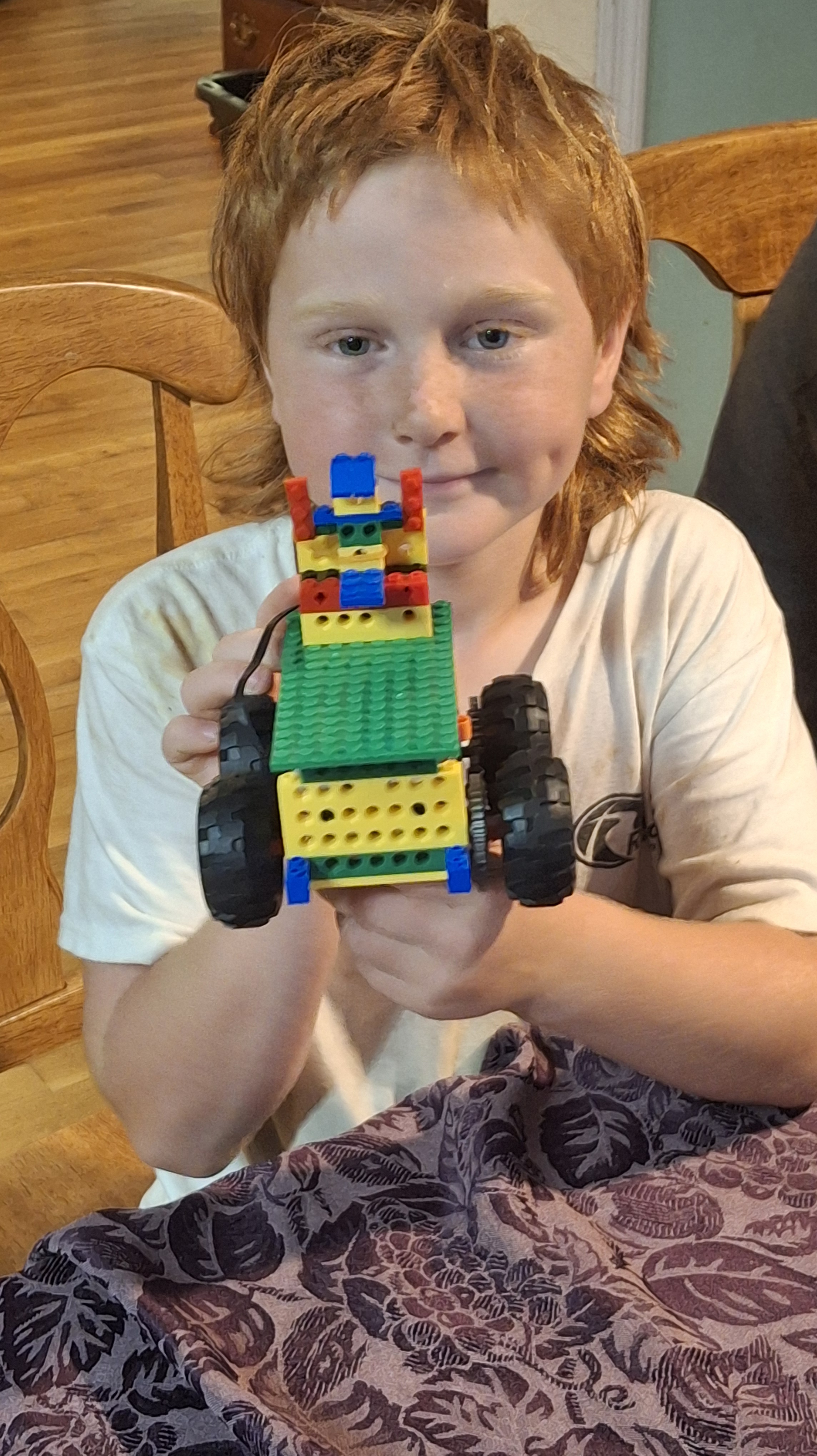
The car complete with the brick person, ready for testing.

Other iBrick Lessons

Some of the other lessons include:

  • A carousel
  • Crocodile
  • Roadster
  • Space shuttle
  • Hockey
  • Fishing game
  • And so much more

Overall Thoughts

Both parents and children give this product two thumbs up! As a parent, I loved that it engaged him in active learning and problem solving while he thought he was just having fun.

My son loved building, trying out the different challenges, and making things that actually move. The step-by-step instructions, rotating views, and short videos made it easy for him to use. Once we helped him get everything set up, he was able to do it independently.

“I love building the cars and other things and then having fun with them by doing the challenges.” Joseph, age 8

I’d recommend this for upper elementary and middle grades students to do independently. They also offer subscriptions for younger students with easier builds.  The different levels use the same brick kit, so you only have to purchase additional lessons, and not an entirely new kit, if you want to complete multiple levels.

This STEM kit is a great way to encourage problem-solving, building, and other learning through brick play.

FAQs

What ages is this kit designed for?

The kit we reviewed was specifically designed for ages 7-9. They have other ages available, and I believe you could use it for children slightly older or younger than the recommended age range.

What makes the iBrick STEM kit different from other brick kits?

The lessons really make this kit stand out. It is not just building with bricks (which is beneficial on its own), but the challenges and the informational videos that make this a complete course.

Find out more and order your iBrick STEM kit from Timberdoodle today.